
Butterflies
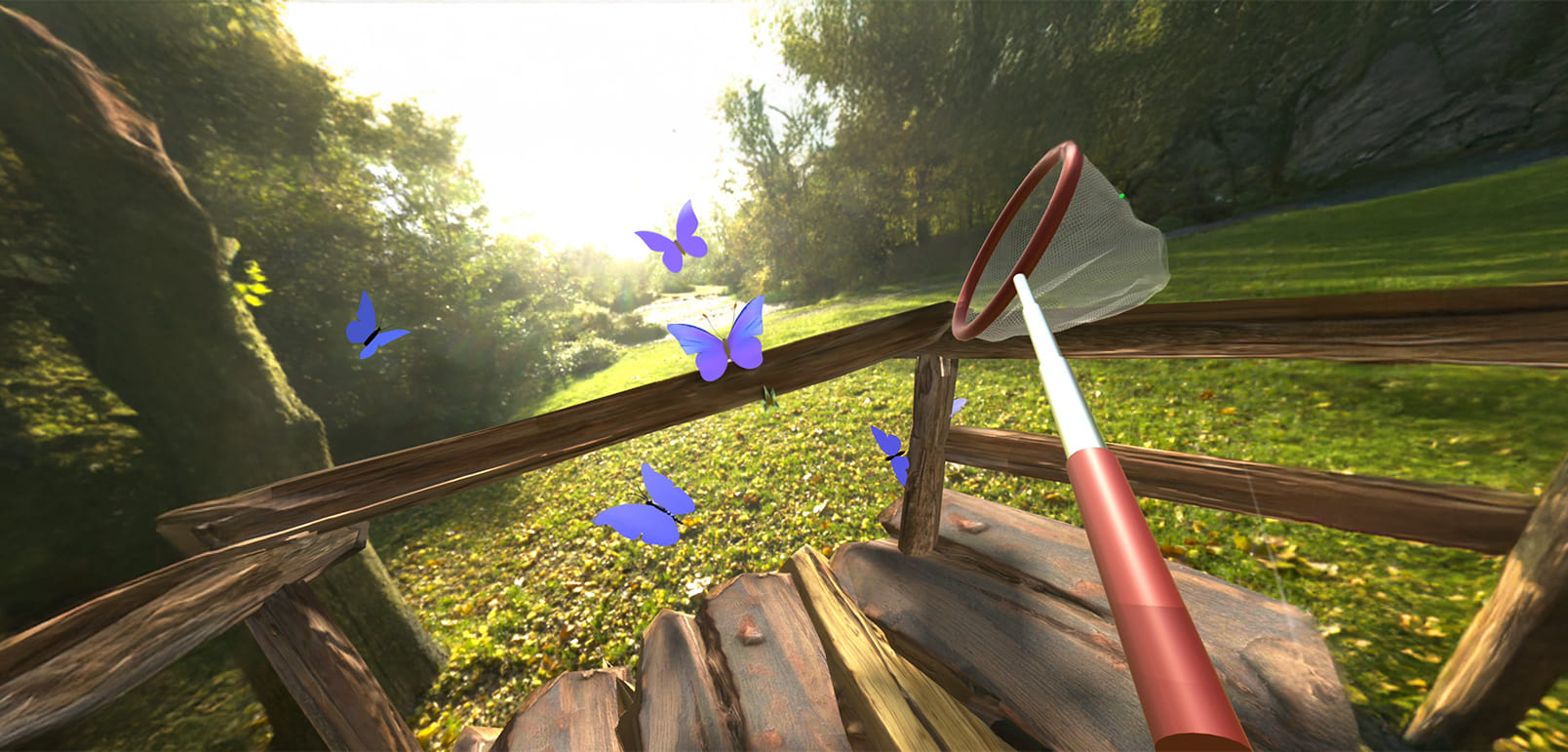
Butterflies is a virtual reality experience that encourages upper-body movement and hand-eye coordination through interactive gameplay. Using a virtual net, users reach for and track butterflies as they flutter through the environment—an easy, engaging way to get moving.
How to Use
- Select the application: Move your head to aim the gaze-circle at the Butterflies app, then hold for 2 seconds to select it.
- Gameplay instructions: You can use either Controller to hold the virtual butterfly net. To switch hands, press the Trigger button on the desired Controller.Move the net by moving the Controller. Reach, track, and follow butterflies as they fly around the scene. When a butterfly enters the net, it will be caught automatically — no button presses required. New butterflies will continue to appear throughout the session.Reset View: If your view appears off-center, select the Reset View button to realign the display with your head position.
- Exit the application: Use gaze-based control to select the Exit App button. This will return you to the Mynd Home screen.
Controls
- This app requires Hand Controllers
- To select a menu item, move your head to aim the gaze-circle at it and hold for 2 seconds
- Catch butterflies with Hand Controller movements
Tips for Best Experience
- Use only while seated in a stable chair. Do not stand, walk, or move around while wearing the headset.
- Use in a clear space to avoid hitting nearby objects
- Take breaks as needed to avoid overexertion
- Use in a quiet, comfortable environment