
Bowling Blitz
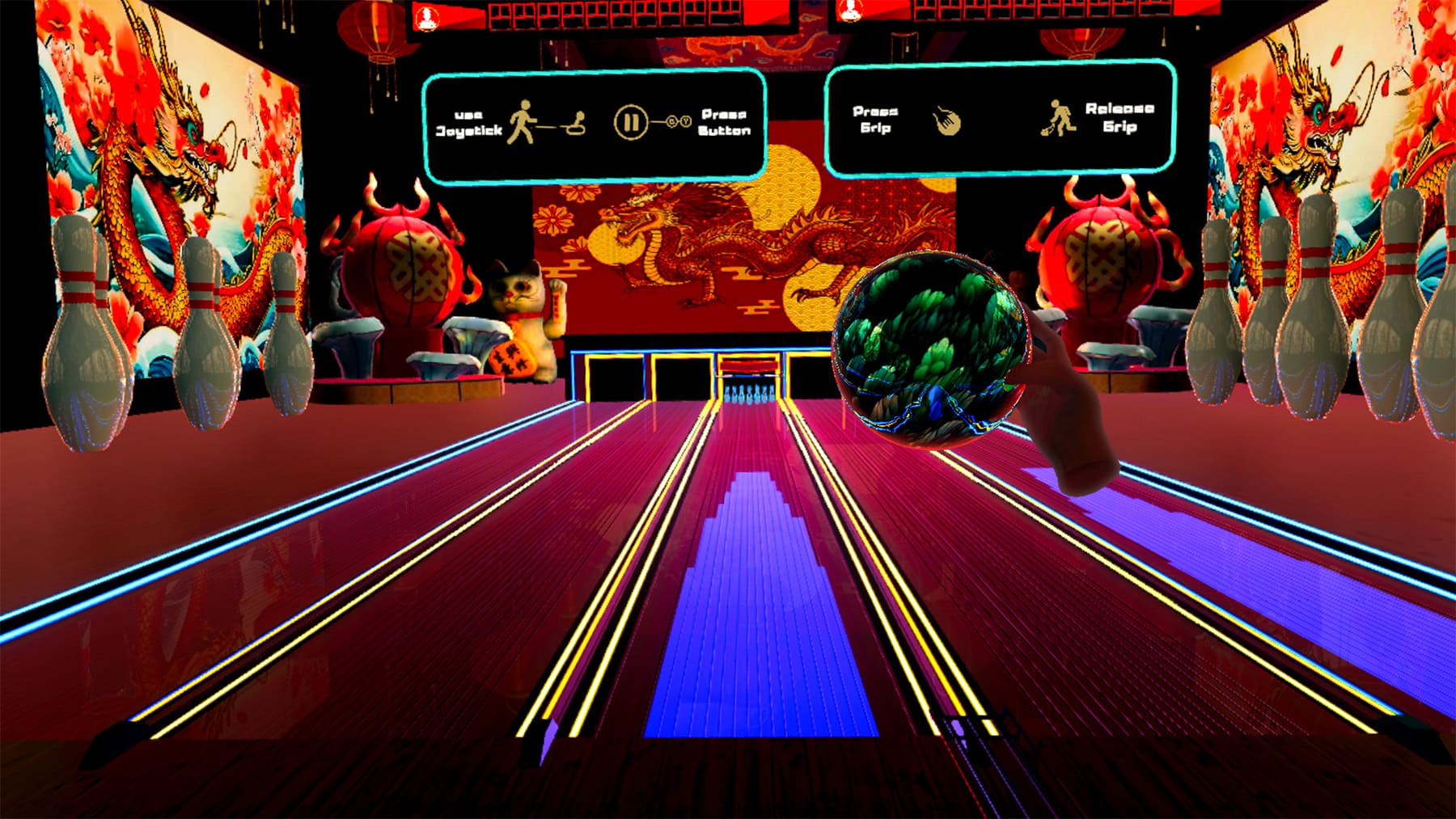
Bowling Blitz brings the classic game of bowling to VR. With intuitive controls and satisfying gameplay, users line up each shot and roll for strikes and spares, encouraging natural arm movement, hand-eye coordination, and motor planning.
How to Use
- Select the application: Move your head to aim the gaze-circle at the Bowling Blitz app, then hold for 2 seconds to select it.
- Starting the activity: Once the app loads, use the trigger button on the back of either controller to select a game mode: Assisted or Classic.
- Assisted: Ball speed automatically increases as needed, so even a gentle throw can deliver a strong roll.
- Classic: Ball speed is based on how hard you throw, for a more traditional bowling feel.
After choosing a game mode, select a bowling environment and the game will start automatically.
- Gameplay instructions:
- Move: Use the joystick on either contoller to move around the environment and reposition yourself.
- Throw ball: Press and hold the grip button on the controller you want to throw with to grab the ball. While holding the grip, swing your arm forward, then release the grip to throw, similar to a natural bowling motion.
- Pause / open menu: At any time during gameplay, press B on the right-hand controller or Y on the left-hand controller to pause. A menu will appear with options to Resume, Restart, or return to the Main Menu.
At the end of a game, a results menu will appear. From here, you can return to the Main Menu or Restart the game in the same environment.
- Exit the application: From the Main Menu, select Exit to return to the Mynd Home screen.
Controls
- This app requires Hand Controllers
- To select a menu item, press the Trigger button on the back of either Controller.
Bowling Game Modes
Choose from two bowling modes.
- Assisted Ball: speed automatically increases as needed, so even a gentle throw can deliver a strong roll.
- Classic Ball: speed is based on how hard you throw, for a more traditional bowling feel.
Tips for Best Experience
- Use only while seated in a stable chair. Do not stand, walk, or move around while wearing the headset.
- Use in a clear space to avoid hitting nearby objects.
- Take breaks if you begin to feel tired or overwhelmed.